
Re: Frame from Your Upcoming Film
Lamplight, its too yellow-y. Make it a little darker too.
 Bricks in Motion
We are a friendly filmmaking community devoted to the art of stop-motion animation using LEGO® and similar construction toys. Here, you can share your work, join our community of other brickfilmers, and participate in periodic animation contests!
A place to discuss, share, and create stop motion films.

You are not logged in. Please login or register.
Lamplight, its too yellow-y. Make it a little darker too.

Nice lighting Juggernut but there is a very basic background.
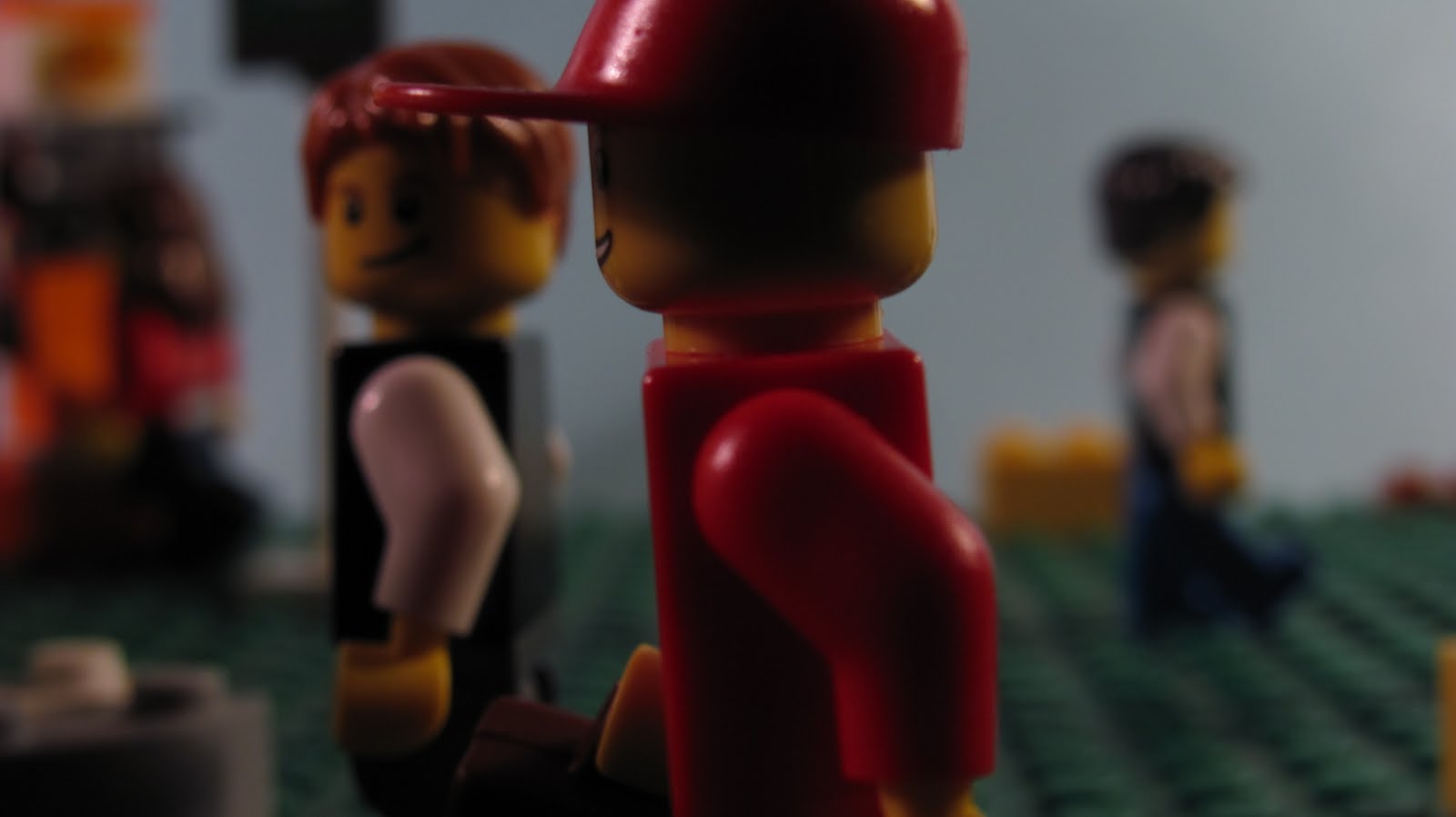
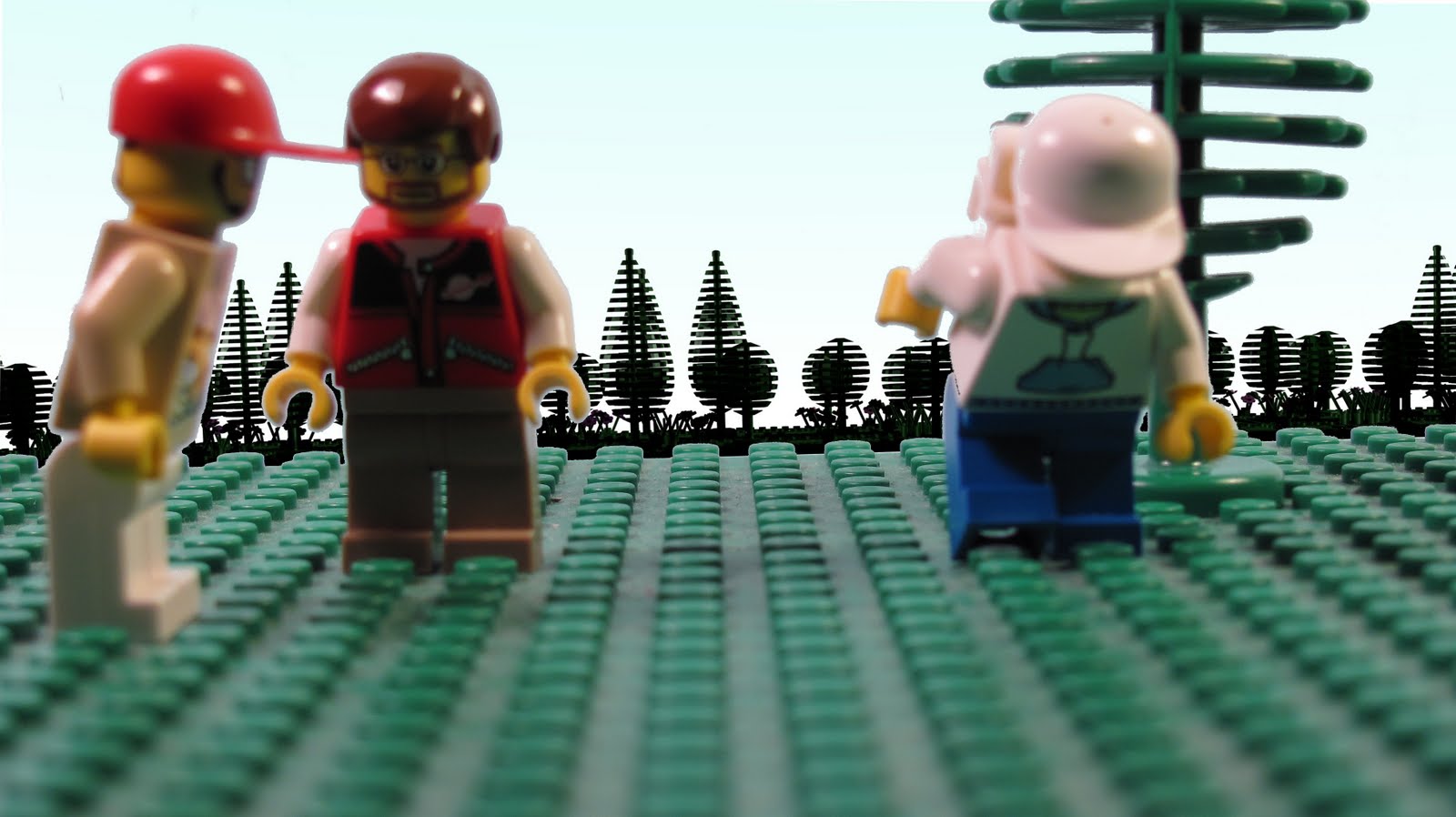
Don't worry, we're chroma keying out the background. Anyways, just two more frames (we know the chroma keying isn't the greatest, but we're practicing).
Last edited by Juggernaut Pictures (September 19, 2010 (02:43pm))


Juggernaut, the picture quality looks fantastic, but what I want to see, is a video from you guys with that camera.

The frame looks great Juggernaut! The only complaint I have with it is that the baseplate suddenly cuts off, which in greenscreening looks pretty bad. You might want to try either putting something in the way to block out the edge of the baseplate, like a low down house or a fence or something, or use a camera angle that doesn't get the edge of the baseplate in the shot.

We'll make a test soon. And/or a Trailer. That's good advice BG, we'll see if we can fix it before we release it.
Last edited by Juggernaut Pictures (September 19, 2010 (03:38pm))

Just a word of advice as far as perspective goes, when you can see the horizon (the CGI horizon in this case), try placing it at the height of the camera relative to the minifigures in your frame- so if your camera lens is at the minifigure's eye level (assuming you place a minifigure right next to the camera and see where they measure up), place the horizon so it intersects the eye level of a minifigure standing in the picture (it doesn't matter which as long as they are in the same pose as you measured to- if you drew a line horizontally through one minifigure's eyes on the frame, the line should be intersecting or near all of them, and the same goes for any other body part). The placement of the horizon right now would suggest the camera is at the height of a minifigure's thigh, although it doesn't appear that is true. If you correct this (and if I'm not a total moron, which is a possibility; I'm not incredibly skilled at using perspective or anything), and line up the CGI baseplate so it is at the right angle/proportion of the real plate, your frame should look much better.
Okay, thanks. Like we said this stuff should most likely be fixed by our next film. This is a "long test" kind of release to test out chroma keying and our new camera. But thanks for the advice and these flaws should be fixed by our next film. 

Am I the only one who's noticing that the second frame of Juggernaut's is out of focus? Also, as Squash said, the boundary between in-camera and CGI is way too obvious... not only is the perspective between the two different, but also the lighting, color, and focal planes. Blurring the background and doing some color correction will definitely help.
The first one looks pretty solid, though the framing strikes me as awkward... the characters should be off to the right more, in my opinion.
Yeah, the second frame was meant to be out of focus.


Frame from "The Virus".

Looks very good!

That looks like my kind of movie MadLibs, looking forward to it.

Cool!

Looking good MadLibs.

Looks cool, Madlibs.

Thanks guys! Check my youtube channel October 1st to see it.
Looks nice. Looking forward to it.
-JK
I made a signature for it.

Seduction. Obsession.
HYPERREALISM
My septemberfest entry.
This scene is inspired by Vertigo and Dressed to Kill.
I was doing a few test shots, hope this one was good.
Last edited by KinzCove (September 26, 2010 (11:22am))
Posts [ 361 to 380 of 3,680 ]


 On the second frame blur the edges a bit to make it softer and less harsh, but other than that lookin sweet guys


