
Re: Post your logo here!
Nice one inferno, looks very dark.
I made a new one.
 Bricks in Motion
We are a friendly filmmaking community devoted to the art of stop-motion animation using LEGO® and similar construction toys. Here, you can share your work, join our community of other brickfilmers, and participate in periodic animation contests!
A place to discuss, share, and create stop motion films.

You are not logged in. Please login or register.

Nice one inferno, looks very dark.
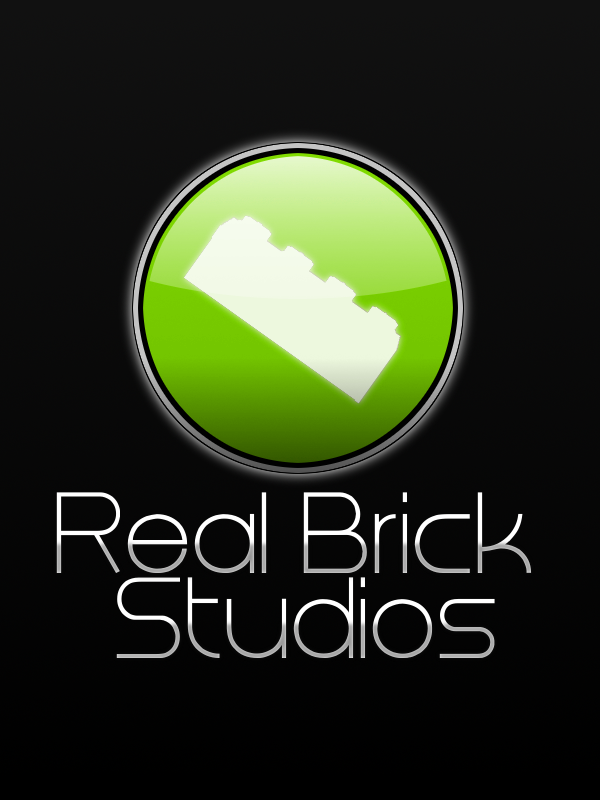
I made a new one.

That's bad tbh, look at Sean's logo, he has a great logo because of the great typografie.
Aye, but compared to most of the stuff in this thread, it's refreshing.
Here's a test for your logo.
Make it black and white. No shades of grey allowed. Now shrink it to be an inch or so wide, maybe even smaller. Is it instantly recognisable to someone who may have only seen your logo once before? If not, it is not a good logo.
Remember the KISS principal: "Keep it simple, stupid!"
@Realbrick: You're getting there. Try to use some easier to read typography (even a bit bolder might do the trick) and apply the test I outlined above.
- edit -
As an example, check out the BIM logo up the top of the page, now check out the images from the shirts from the shop.

You can see how it reproduces in monotone really well, and is recognisable even at that small size.
Last edited by Siobhan (May 20, 2010 (04:00pm))

OK, so it is like Sean's. but it follows his rules.
Originality is part of creating a memorable logo. I'm not going to get in your face about it, but personally I respect original work 
Just to avoid any flaming I'm not trying to control this thread or set "rules". I'm merely trying to help people improve their work with some advice. Whether they take it or not is their business. Except when it's so horrible my retinas burn. Then I'll continue to make it my business 



Simplicity is what I'm going for. I still need to smoothen the edges, and they're not quite perfectly centered.


Cool, Tim!


woof

A total copy of Real Bricks, but I really liked his 


How do you guys make the brick outline? I've wanted to use that for a while but I don't know how. 

I agree, how?
I drew mine from scratch in Adobe Illustrator.
I just Got Adobe After Effects, so my logo will appear at the end of my movies and be animated.

 High five! I haven't bothered to type in the install code yet, but technically I have it right now.

LegoDudz, I downloaded LDD and put down a simple brick, I then went into viewing mode and took a screen shot and left. When I opened Gimp, I downloaded the image as a layer, hit alpha to select on the layer bar. then I filled it in with white. Simple
Ahhh... I see.  I honestly cant believe I didn't think about that!
Thanks!
I just Got Adobe After Effects, so my logo will appear at the end of my movies and be animated.
CS5?
Can I have some actual critique on my logo please?
Dog

@LegoDudz: No, CS4.
@ Dog: your logo isn't much, its a stock fractal (yes, I recognize it) and fuzzy granite text. try making a symbol.
Posts [ 121 to 140 of 793 ]


