
Topic: Posting Pics
Help! whenever I want to post a picture, I get this

HELP! 
 Bricks in Motion
We are a friendly filmmaking community devoted to the art of stop-motion animation using LEGO® and similar construction toys. Here, you can share your work, join our community of other brickfilmers, and participate in periodic animation contests!
A place to discuss, share, and create stop motion films.

Ad
You are not logged in. Please login or register.

Help! whenever I want to post a picture, I get this
HELP!

Help, i need somebody, HELP!
Ahh I love the beatles, thanks for sharing it with me 

First of all the Flickr Urls wont work with image tags. You have to upload it somewhere like brickshelf or rockfootage.org.


Instead of a link to the flickr page, what you need to do, is right click on the image and select Copy image location, and then put that inbetween the img tags, like so:
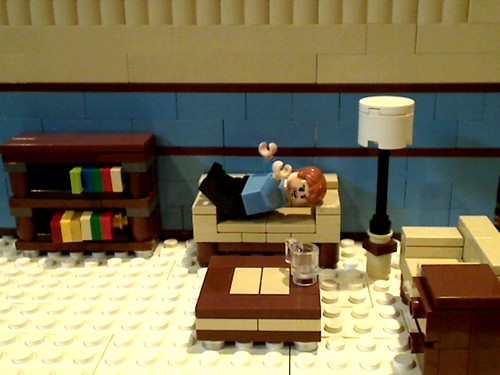
But "Copy Image Location" doesn't show up.
Oh, I was assuming you were using firefox, I'm not sure about other browsers.
EDIT: I was fiddling around with IE, and found that you have to right click on the image, and select "Properties", then where it says "Adress (Url)" copy the link, so in this case you copy "http://farm3.static.flickr.com/2543/384 … 9aa5f7.jpg"
Last edited by CheesyBricks (August 22, 2009 (07:15am))
Hey! I Did It! Thank alot Cheeseybricks! 

Upload to photobucket.com.
It should work then.

I DID IT!!!!!!!!!!!!!!!!!!!!!!!!!!! THANKS FOR THE ADVICE!!!!!!!!!!!!

WOW. Talk about a bump.

Posts [ 10 ]


